
- Home
- Company
- IT solutions
- Support
- Contact


Binovo AI Invoice Capture reads vendor invoices in PDF format and creates them in Odoo as drafts: vendor, number, dates, lines, taxes and totals, with a suggested accounting account and the original PDF attached. A person reviews and validates; the AI does not post or pay.
Matches each invoice against its purchase order and warns you if the invoiced price differs from the agreed one. Flags possible duplicates and credit notes, and suggests creating new vendors with name, tax ID (NIF), address and fiscal position.
Processes entire batches, such as invoices accumulated at month-end, and reads different formats without vendor-specific templates.
Tell it “for this vendor, use account 628” and it applies that to the following invoices, without touching any code.
Data filled in by the AI is identified as such in Odoo, and the original PDF stays attached to the invoice.
Extracts the invoice data, suggests an accounting account (PGC groups 600 to 678) and a product, and creates the draft with the original PDF attached.
It does not validate, post or pay. It does not reconcile payments. It does not read scanned PDFs without a text layer.
Anthropic Claude, with your own API key.
Minimal risk.
Yes. Binovo AI Invoice Capture reads PDF invoices, extracts the vendor, number, dates, lines, taxes and totals, suggests the accounting account and creates the invoice in Odoo as a draft.
No. It only creates drafts. Validating, posting and paying remain actions performed by a member of your team.
It reads PDF invoices with a text layer, which is how most of them arrive by email today. Scanned PDFs without recognized text are not processed.
No. It reads different formats without templates and learns from the corrections you give it, such as the accounting account for a vendor.
The text of each processed invoice, which is sent to the Claude model using your own API key.
Tell us about your case and we’ll prepare a demo with data similar to yours. It is set up by the same team that develops it and implements Odoo.
Request a demo from Binovo 943 569 206 · sales@apps.binovo.es
More technical detail on each product at binovoapps.ai.
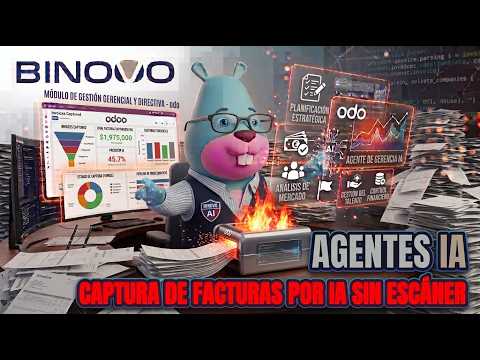 Binovo AI Invoice Capture: reads vendor invoices with AI